Bestseller
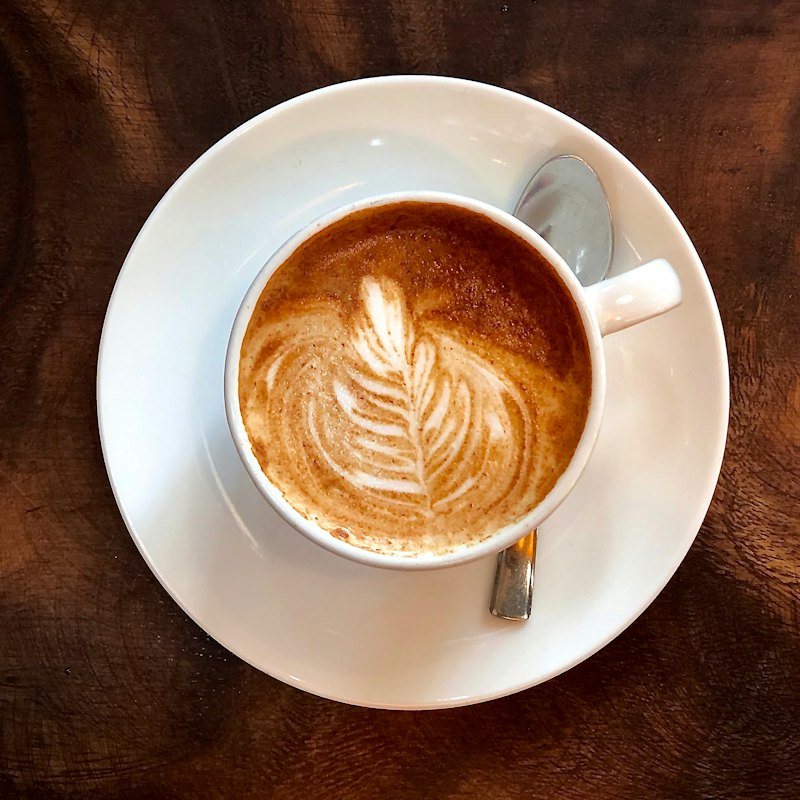
Cappuccino
from₹180Double ristretto, silky steamed milk and a thick cap of foam.
How it works
Three things happen. None of them needs a waiter to be free at that moment.
Ember & Oak
Scan to order
Table
T4
01
Each table has its own QR code. It opens your menu in the phone browser with the table already filled in. Nothing to install.
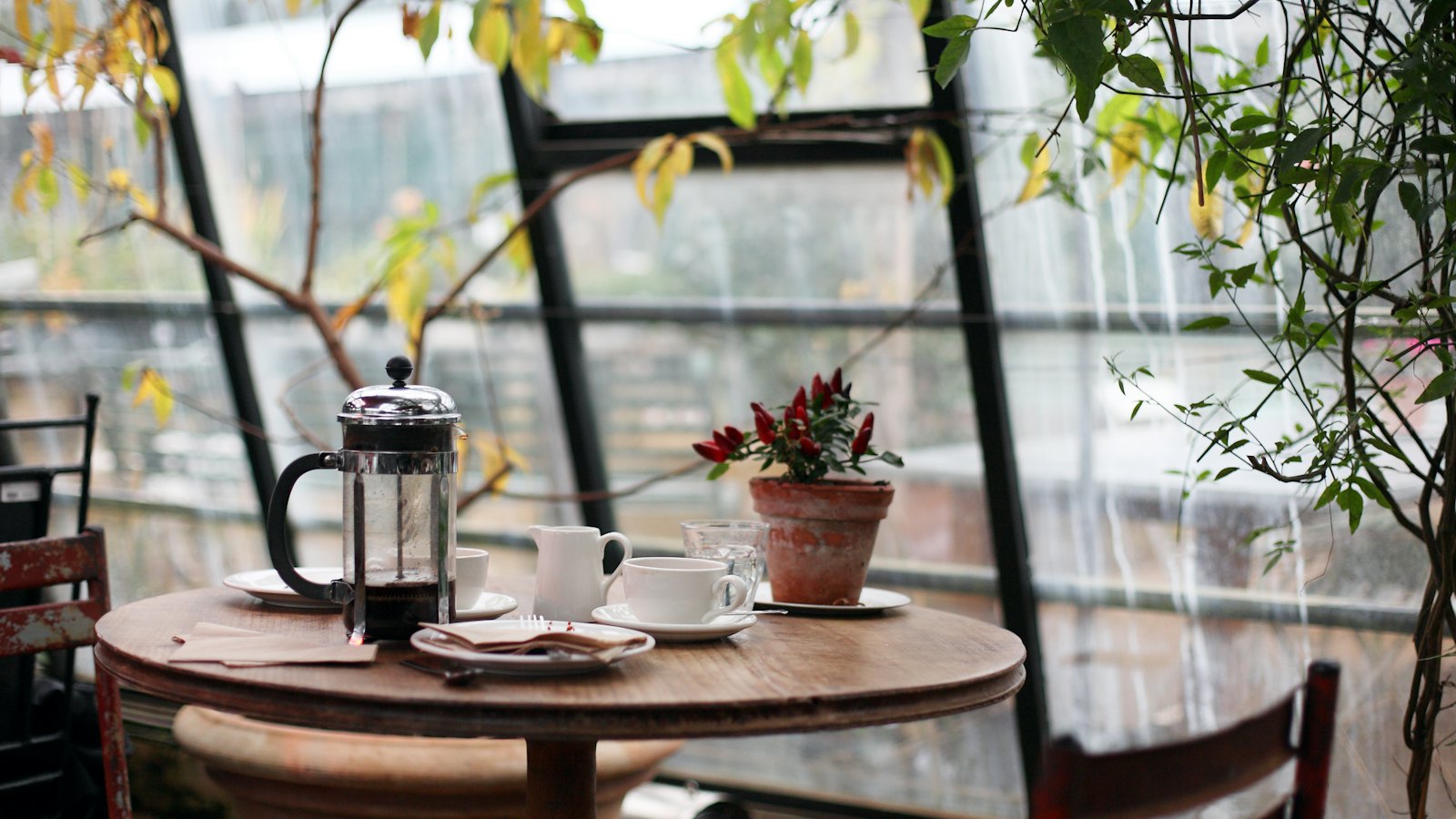
Bowls, salads and cold-pressed juice
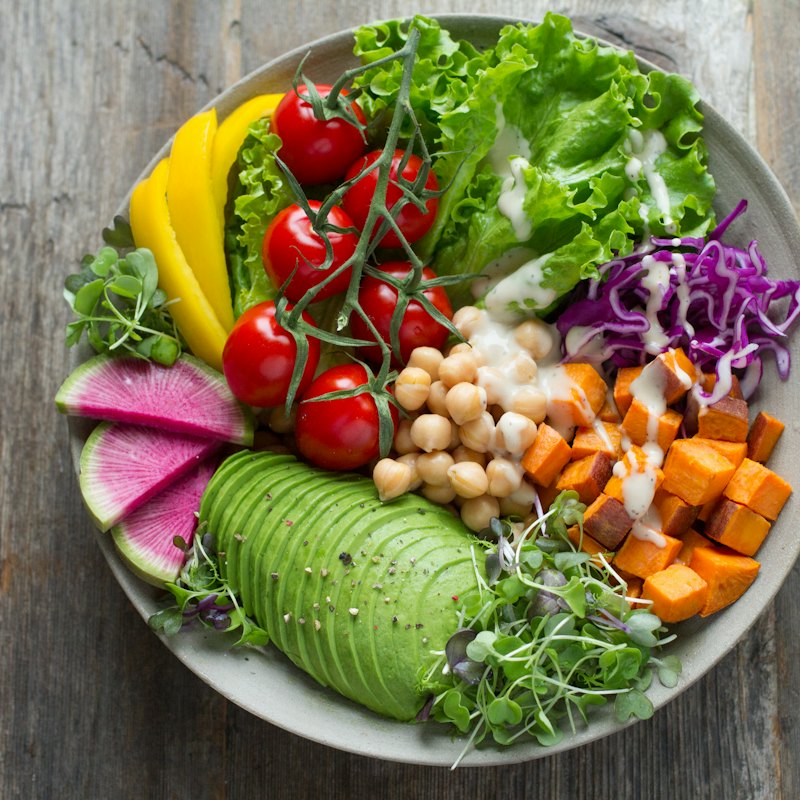
Avocado, chickpeas, sweet potato, greens and tahini dressing.
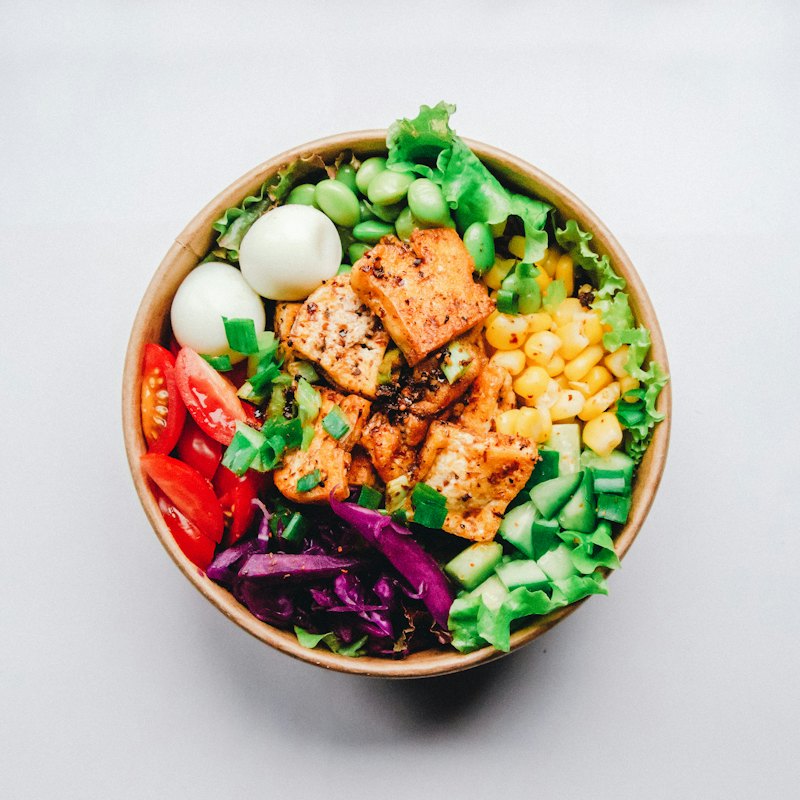
Tofu, corn, edamame, red cabbage and brown rice.
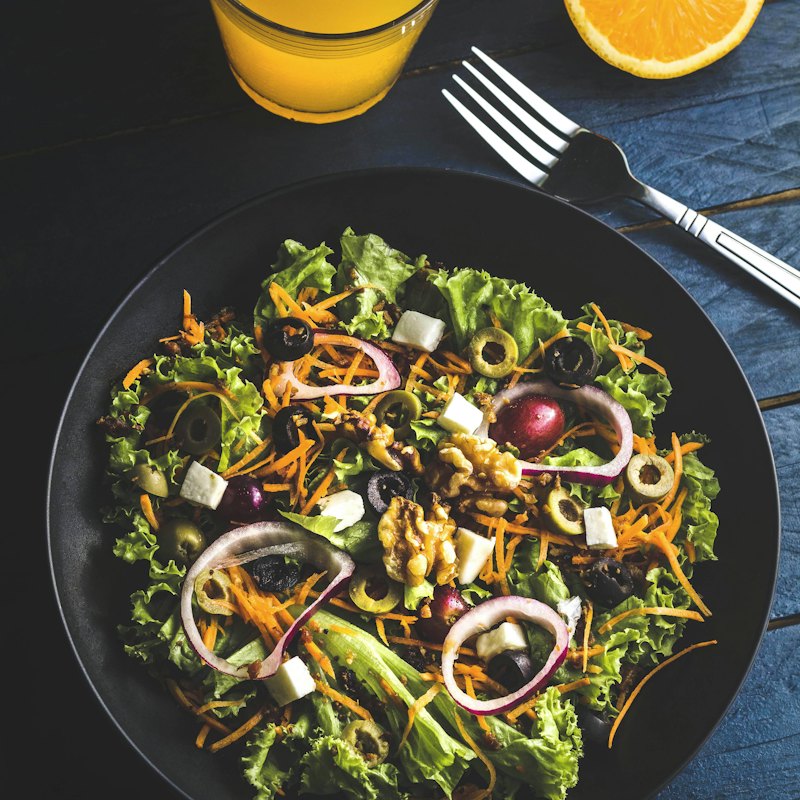
Crisp greens, olives, onion, feta and lemon-oregano dressing.
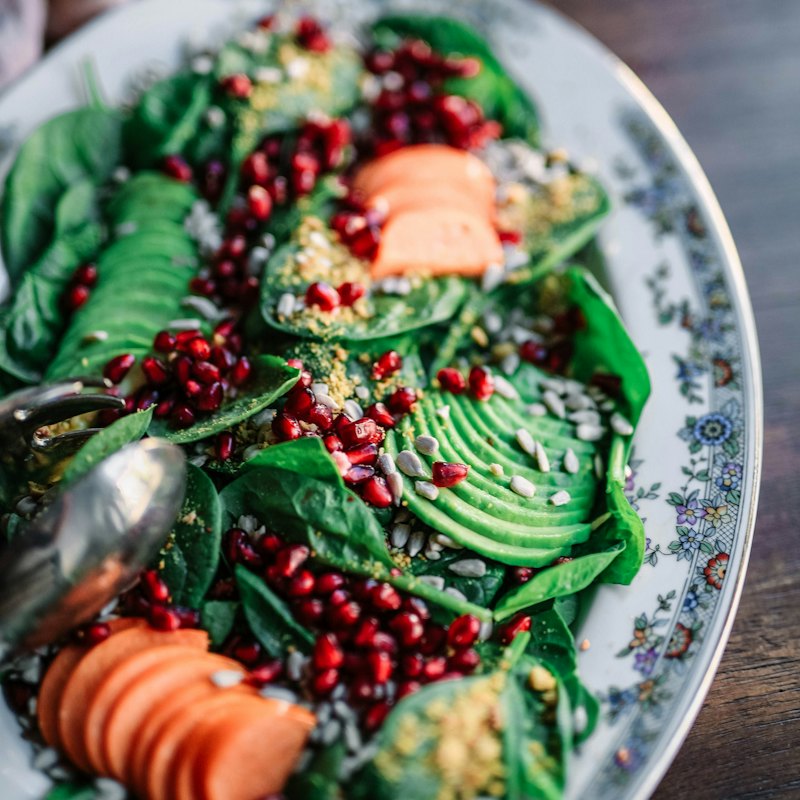
Baby spinach, avocado, pomegranate and toasted seeds.
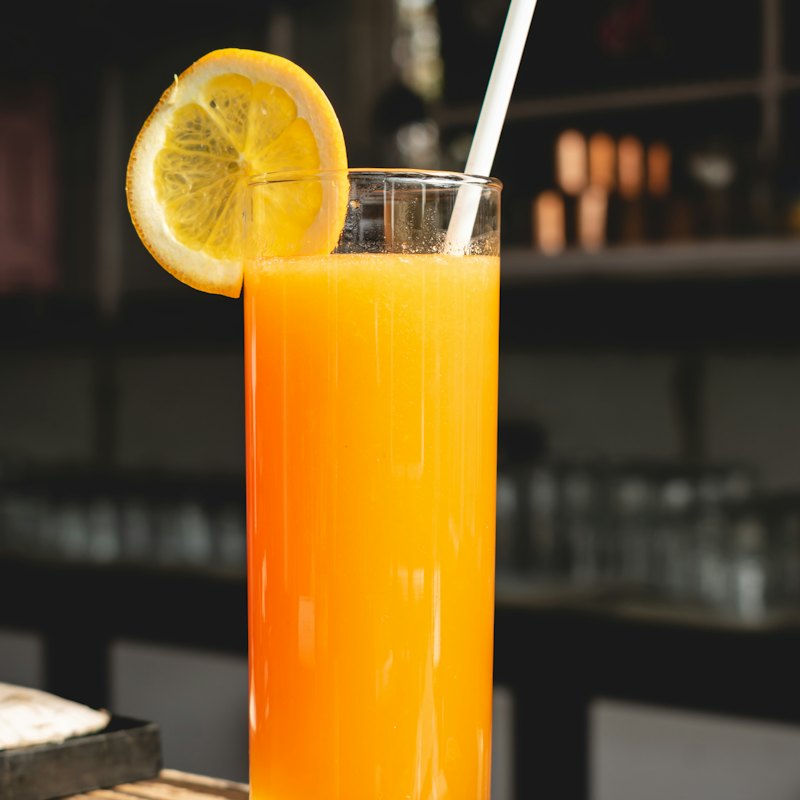
Nothing but oranges, pressed to order.
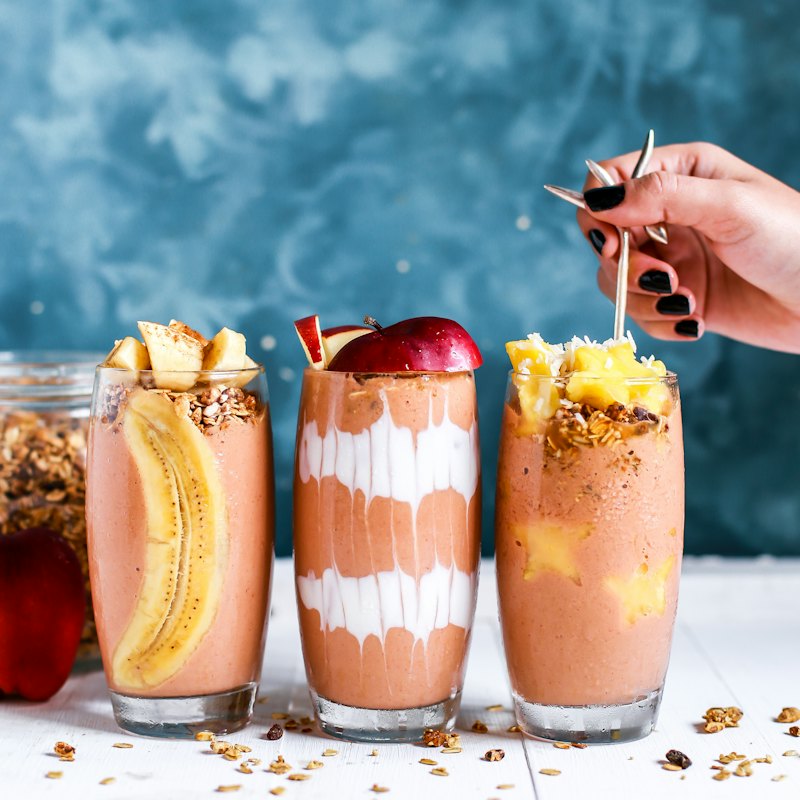
Mixed berries, banana, yoghurt and whey.
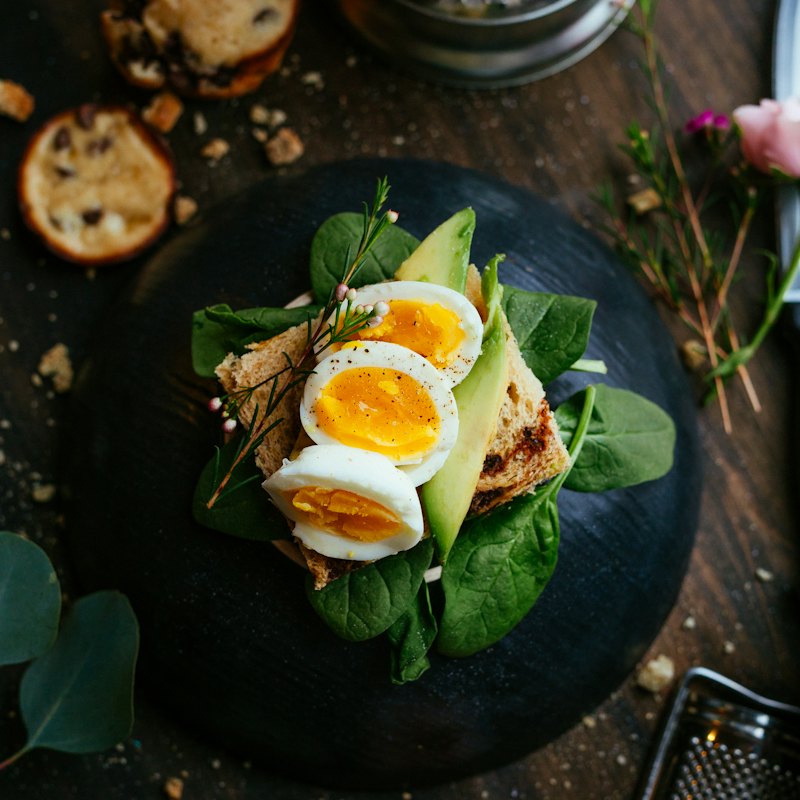
Sourdough, smashed avocado and a jammy egg.
02
Photos, sizes, extras, notes for the kitchen. They pay at the counter, by UPI or online, whichever you allow.
T4
#1284 · Riya
11:42
Cooking
Cappuccino
Large · Oat milk
Avocado & Egg Toast
Butter Croissant
No egg on the toast
03
The order lands on the kitchen screen with a timer. Staff tap Ready, the guest sees it on their phone, and the table frees itself when the bill is paid.
Everything in one place
You do not need one tool for the menu, another for billing and a notebook for stock.
Guests scan, browse photos, pick sizes and extras, and order. No app to download, no waiting to be noticed.
New, preparing, ready, to settle. Every order in one place, updating by itself, with a chime for new ones.
Tickets with timers that turn amber, then red. A running count of what still has to be made.
Punch walk-in orders in seconds. Cash, UPI or card. Print an 80 mm bill with CGST and SGST split.
Give each dish a recipe. Every order deducts milk, beans and bread to the gram.
Guests book from your ordering page. You confirm and assign a table. Double bookings are blocked.
Best sellers, busiest hours, how people pay. A closing summary lands every evening.
See who comes back, what they order and what they spend. Message them on WhatsApp in one tap.
Water, the bill or a waiter. One tap from the table, and the floor team is told at once.
Ordering page designs
33 ready-made designs for coffee shops, bakeries, bars, street food and restaurants. Change the colours, lettering and layout with a tap, add your logo, and watch it on a phone before you publish. Five of them are shown here.
A working demo café. Nothing is charged.
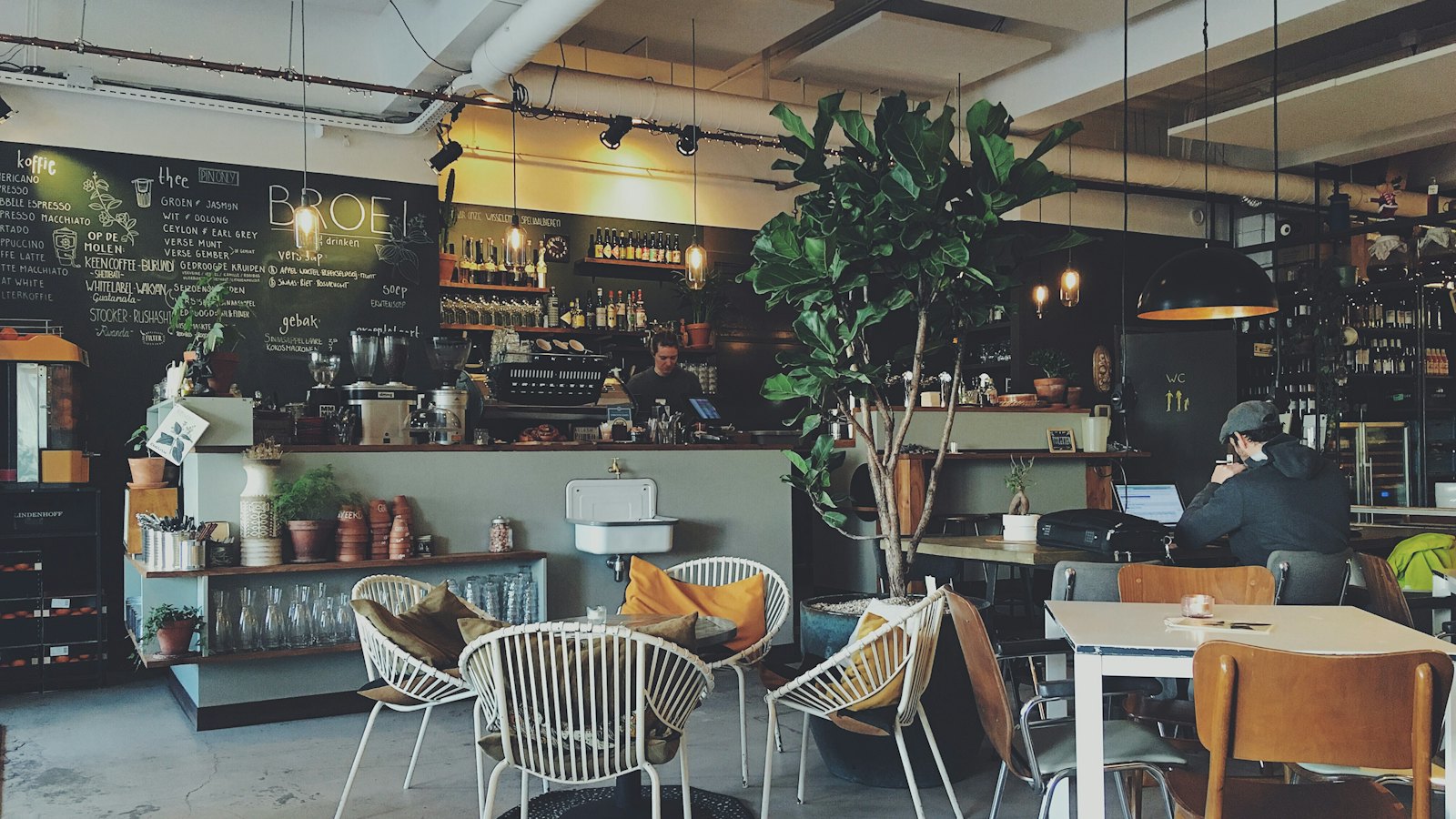
Slow-roasted coffee, all-day breakfast
Double ristretto, silky steamed milk and a thick cap of foam.
Stronger and smoother than a latte. Our baristas’ pick.
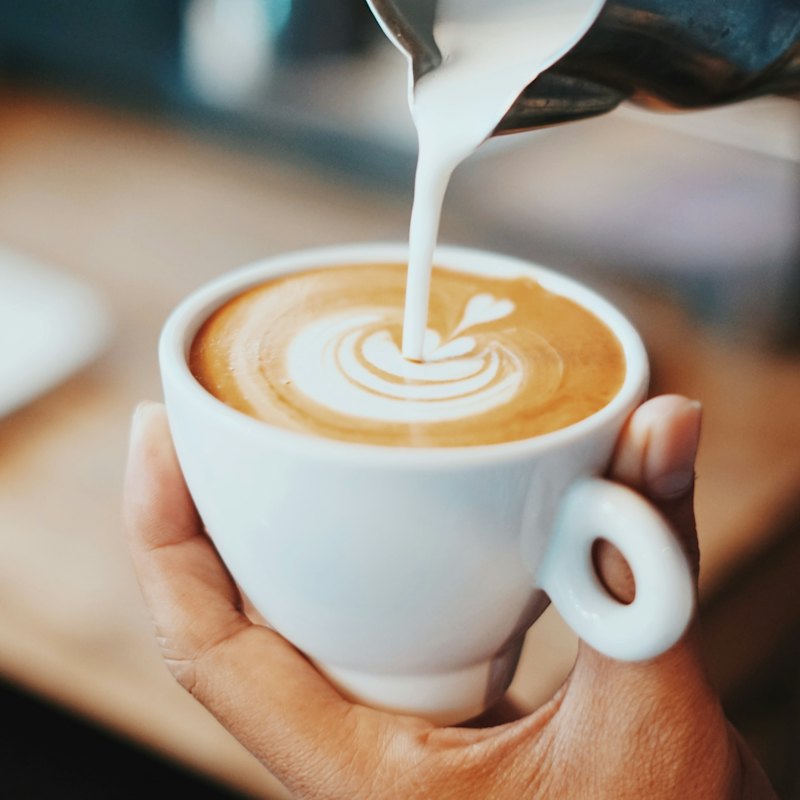
Mellow espresso with plenty of steamed milk and latte art on top.
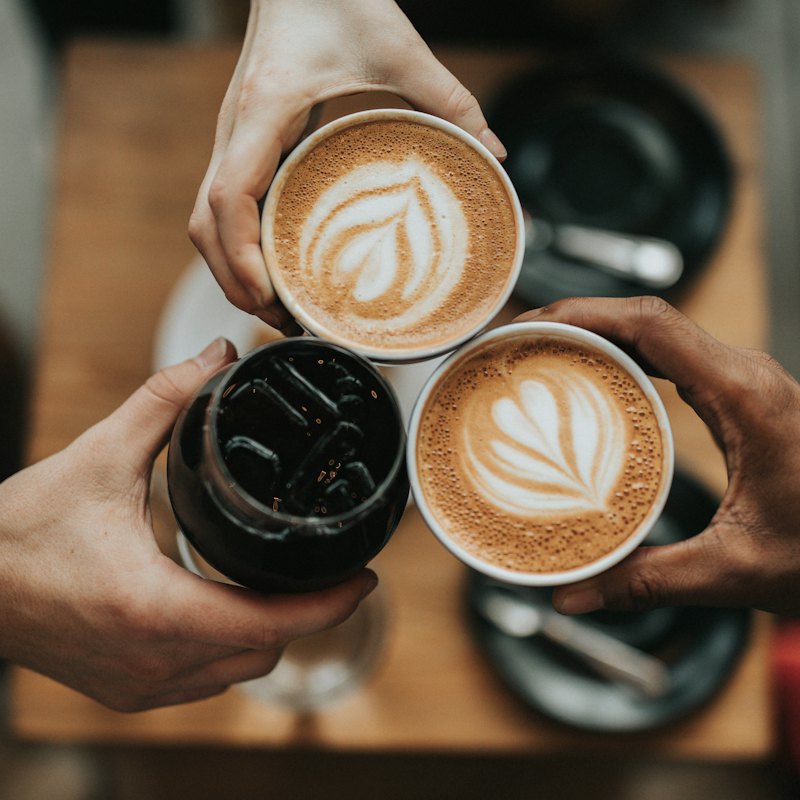
A double shot let down with hot water. Clean, bright, no milk.
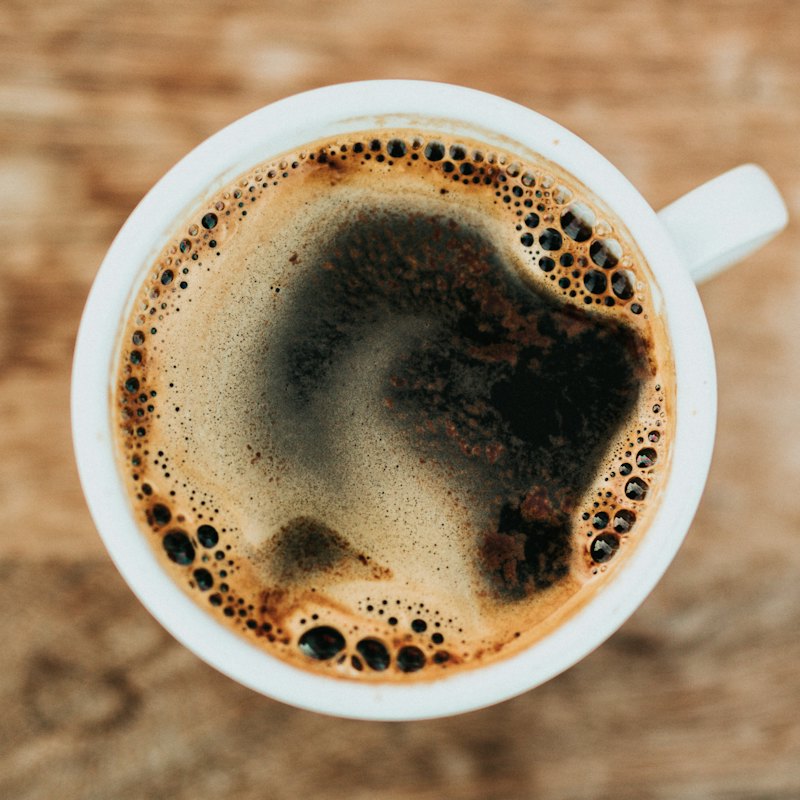
Single-estate Chikmagalur beans, pulled short.
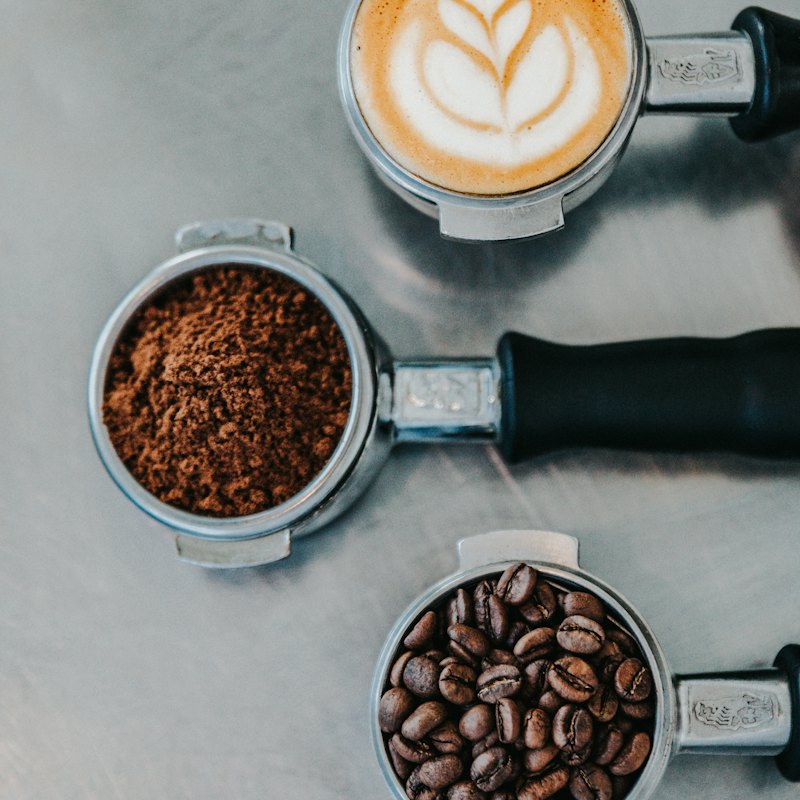
Espresso over ice with cold milk. Simple and refreshing.
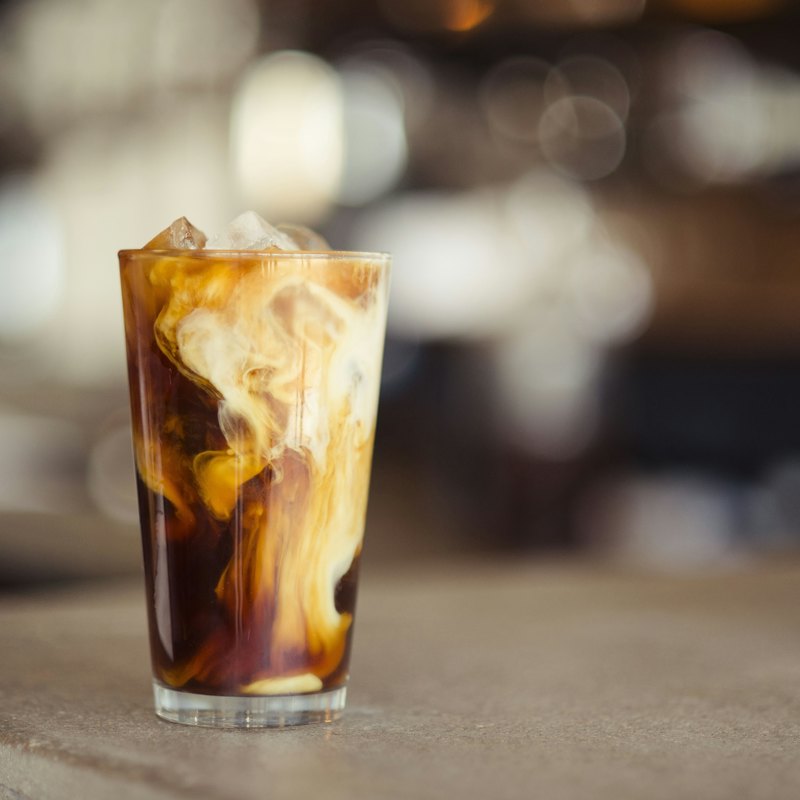
Dark chocolate, espresso and milk, swirled over ice.
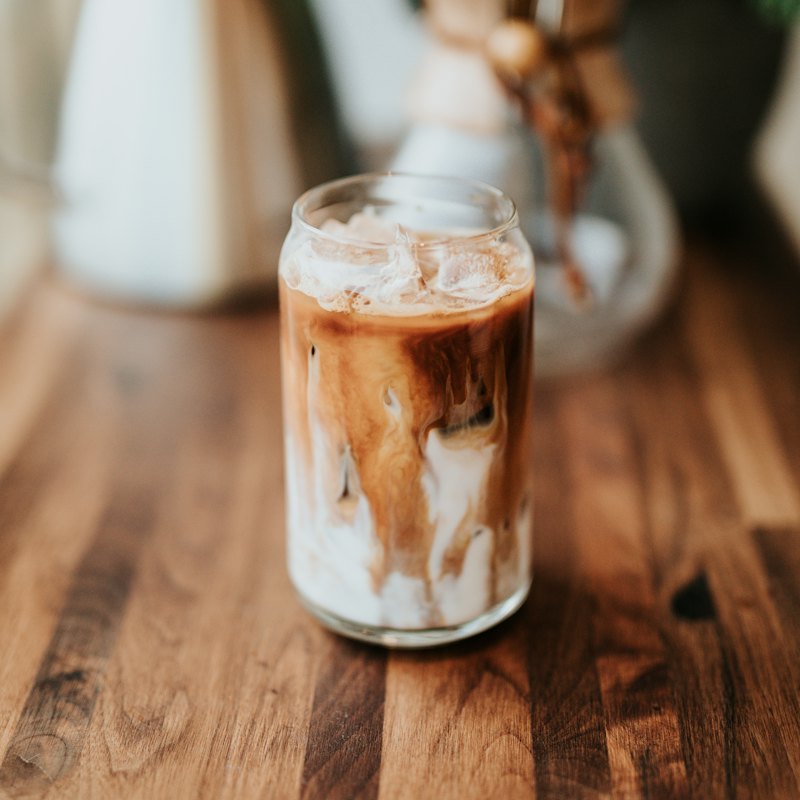
Thick vanilla shake blended with chocolate cookies.
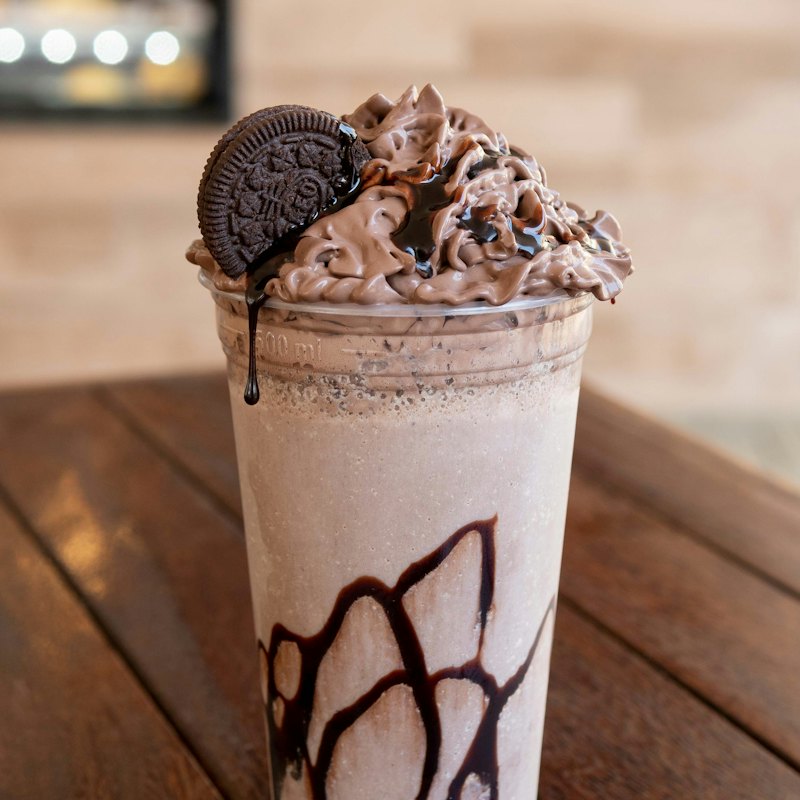
House-brewed black tea, fresh lime and a little jaggery.
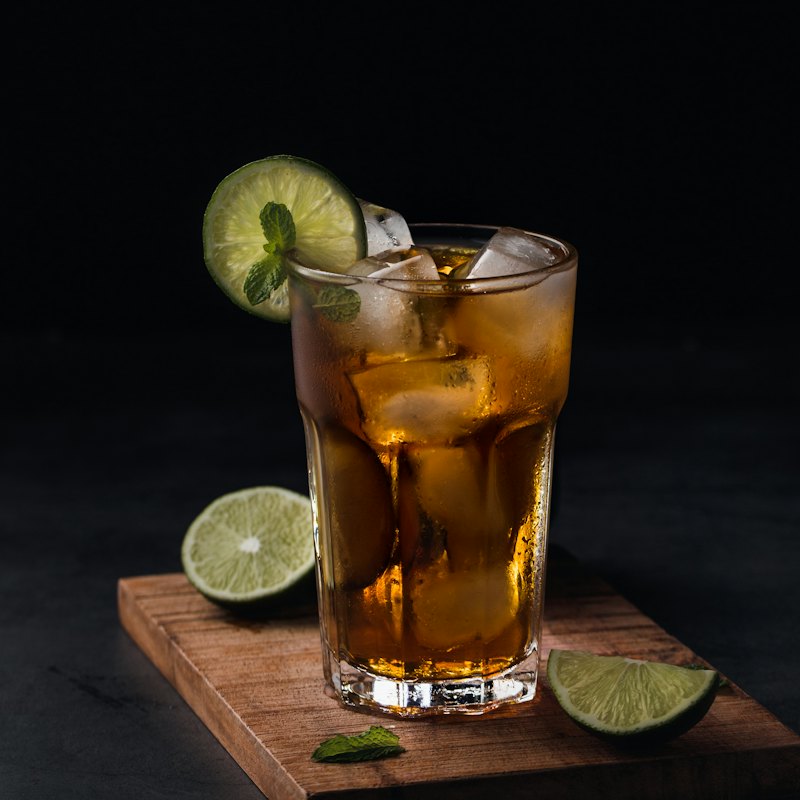
Smashed avocado, soft-boiled egg and chilli flakes on sourdough.
Two fried eggs on buttered toast with roasted tomatoes.
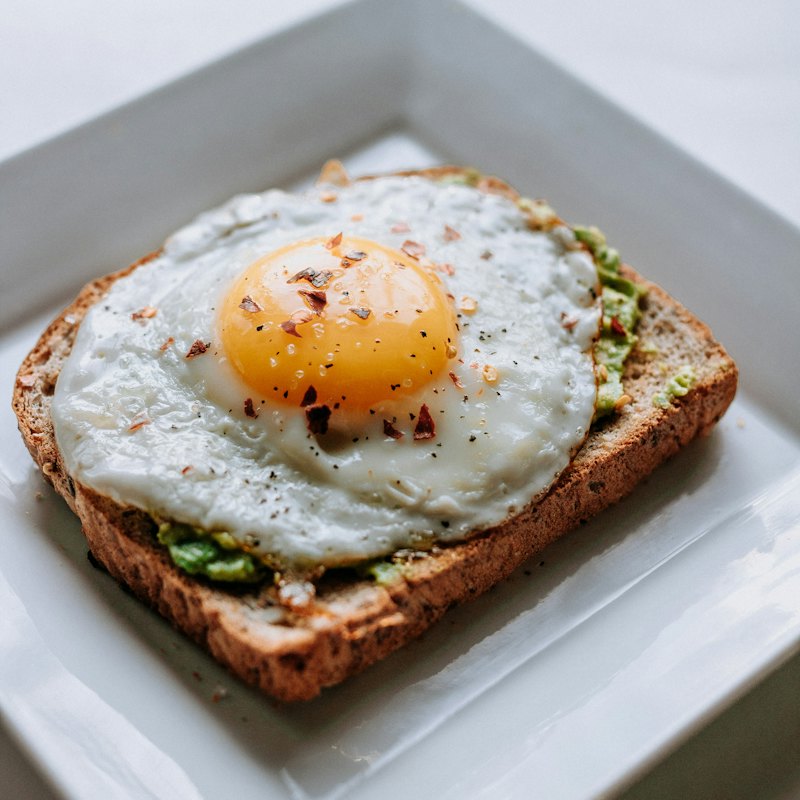
Brioche soaked overnight, caramelised banana, blueberries, maple.
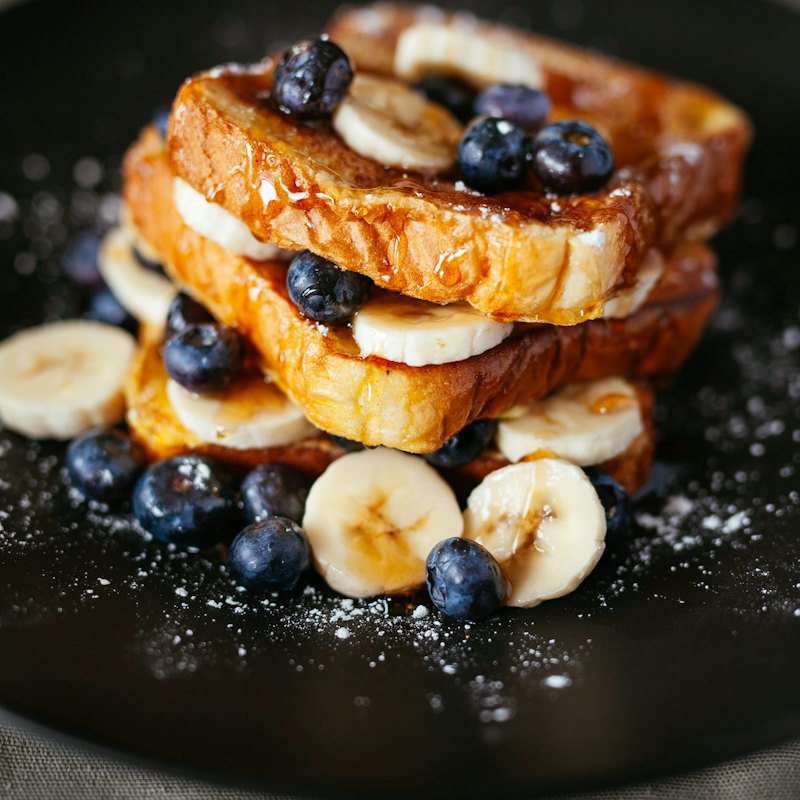
A stack of three with whipped butter and warm maple syrup.
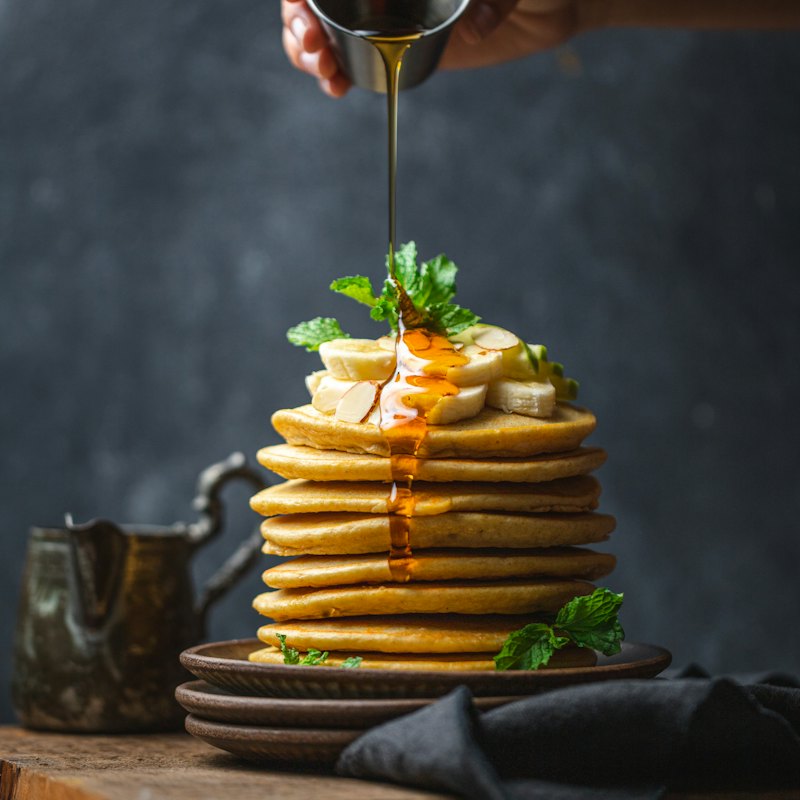
Three cheeses melted between thick-cut bread, with tomato relish.
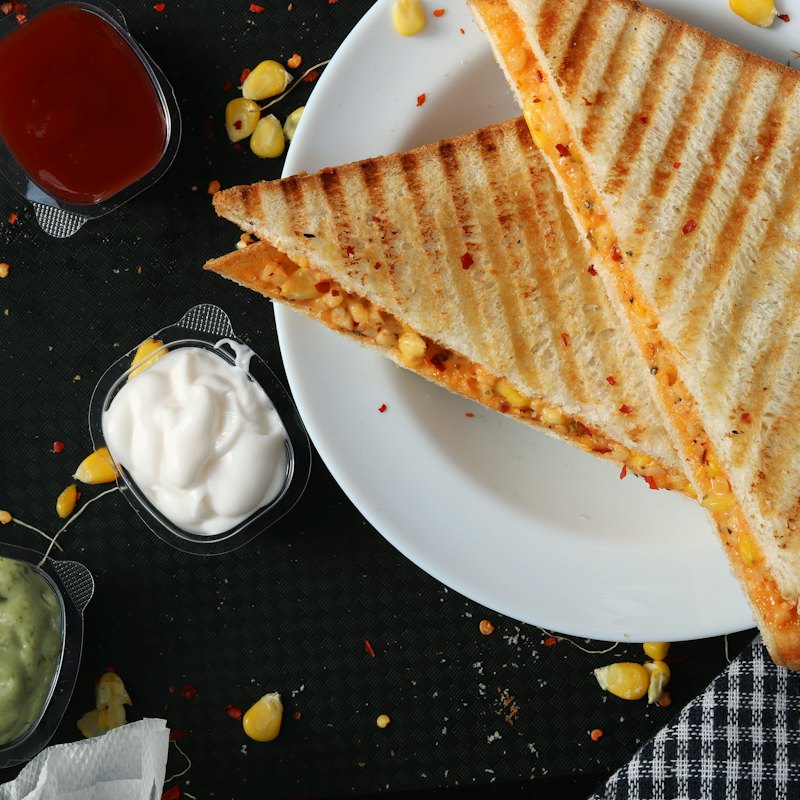
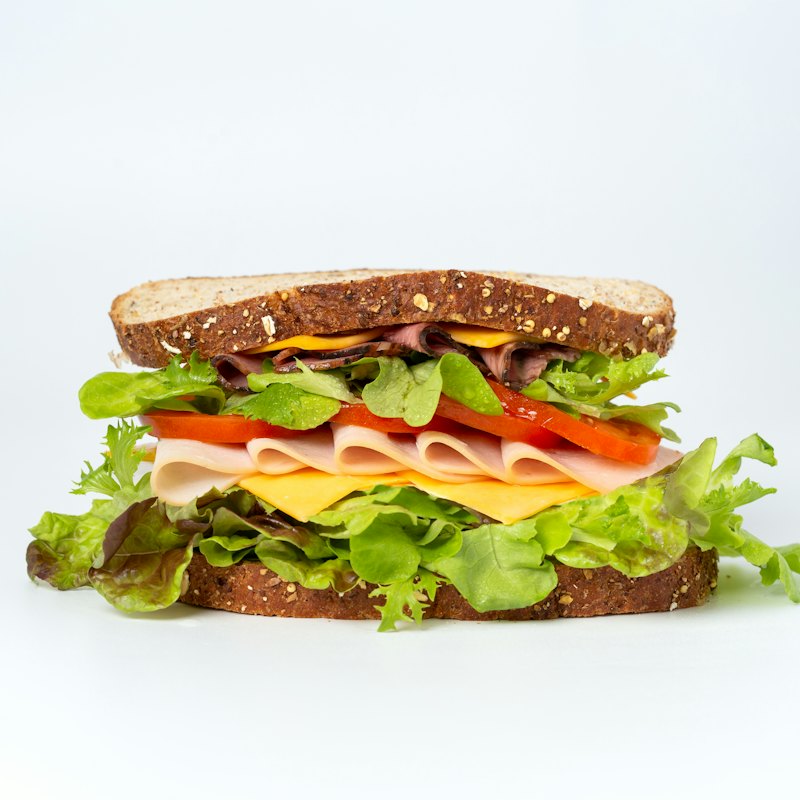
Triple-decker with roast chicken, egg, lettuce and tomato.
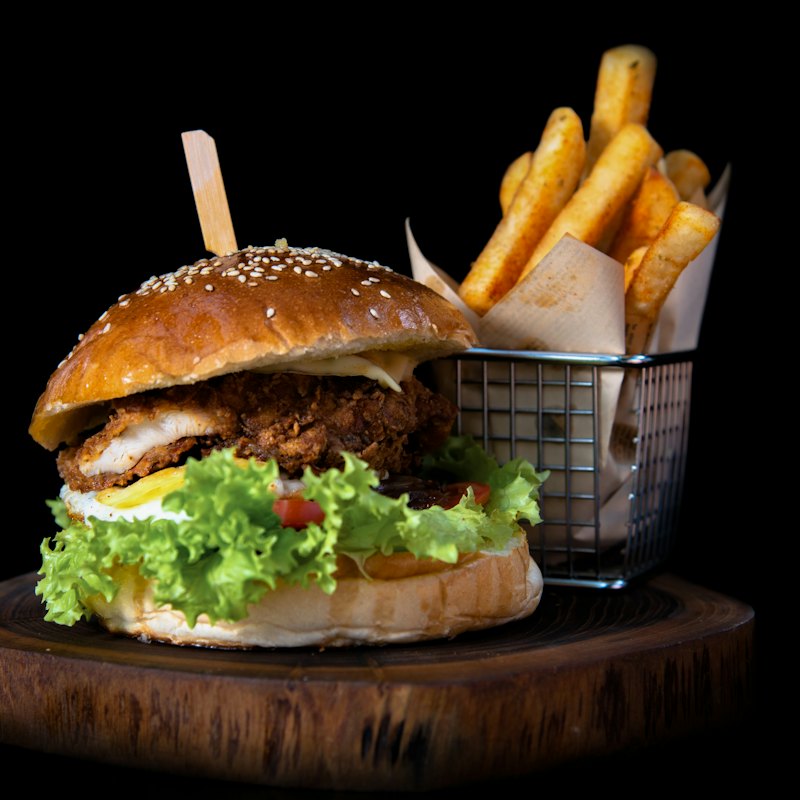
Crispy-edged patty, cheddar, pickles and house sauce in a potato bun.
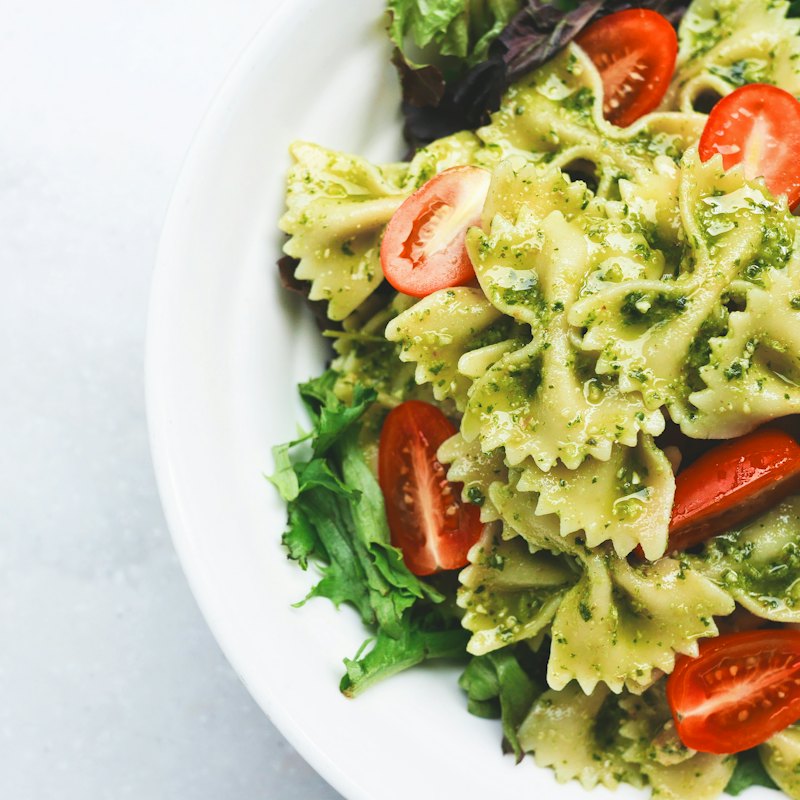
Farfalle in fresh basil pesto with cherry tomatoes and parmesan.
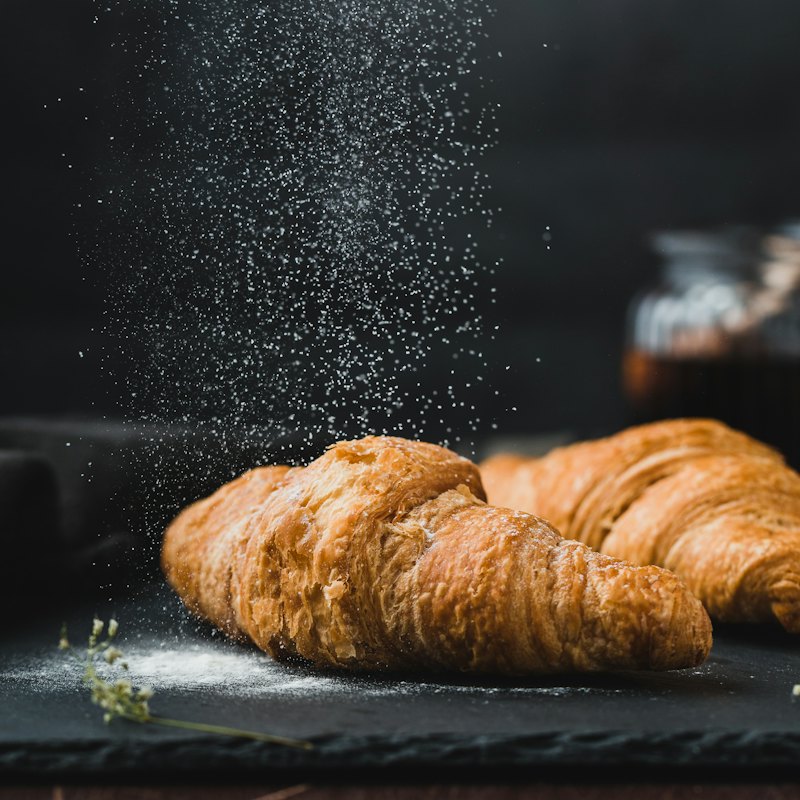
Baked every morning. Flaky outside, soft and layered inside.
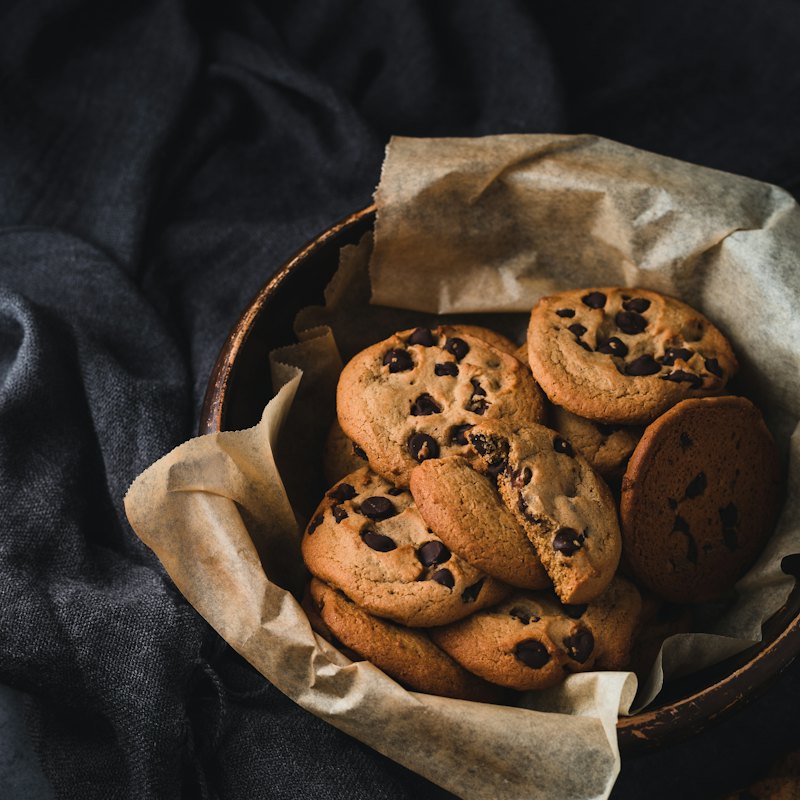
Two warm cookies with pools of dark chocolate and sea salt.
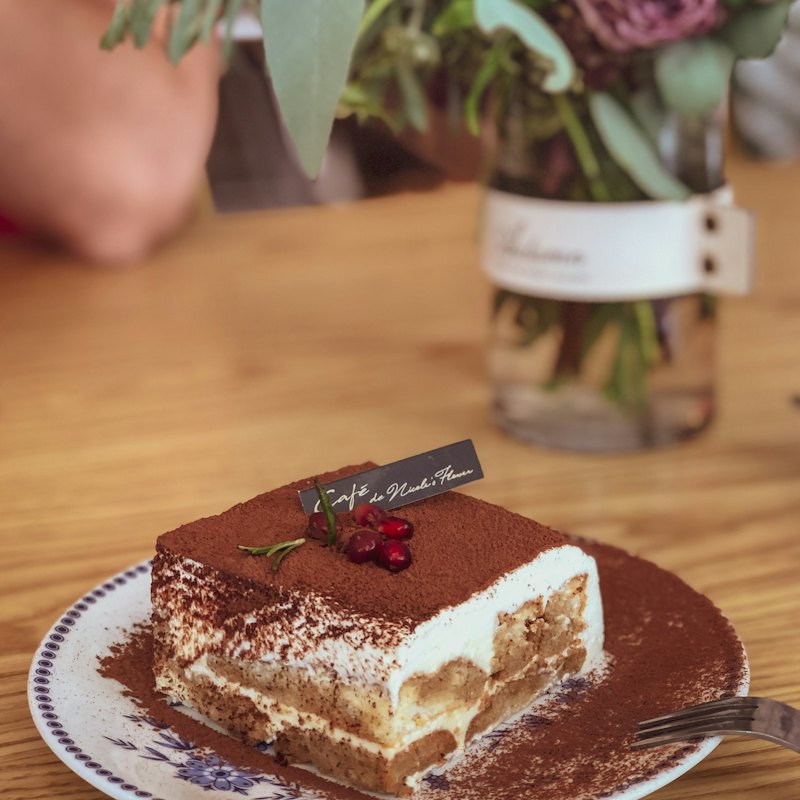
Espresso-soaked sponge, mascarpone and a dusting of cocoa.
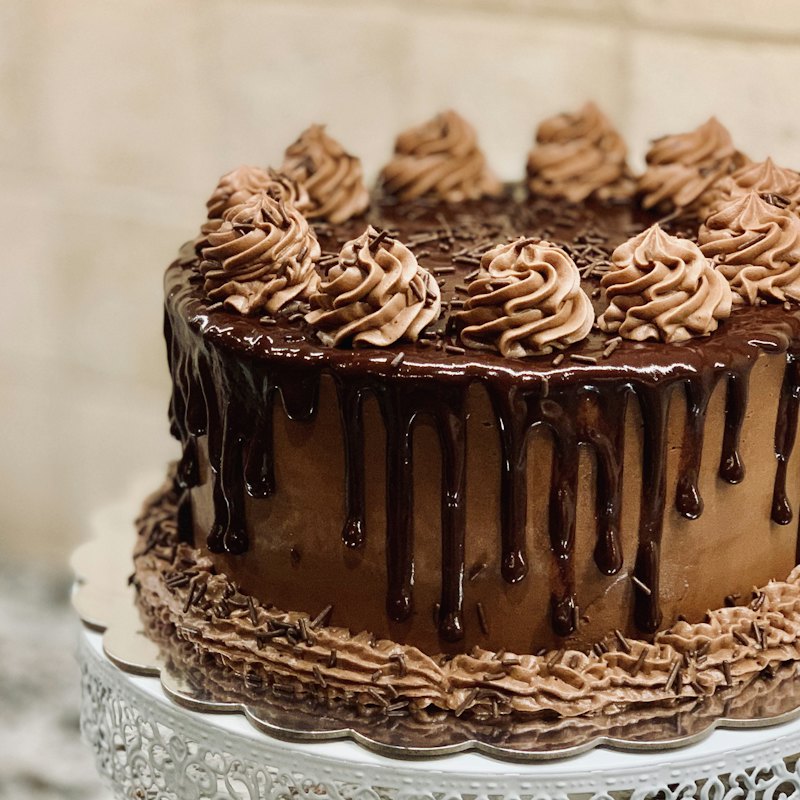
A generous slice of 70% chocolate cake with ganache.
Automations
Ten rules you switch on once. They take the small decisions off your team during the rush, and every action is written down so you can see what happened.
Auto-accept
QR orders skip approval and go to the kitchen.
Auto sold-out
A dish hides itself when an ingredient runs short.
Auto purchase orders
Low stock is added to a draft for the right supplier.
Happy hour
Discounts switch on and off by the clock.
Stale order cleanup
Orders nobody accepted are cancelled and stock returned.
Closing summary
Sales, top sellers and unpaid bills, every evening.
A Saturday at Ember & Oak, as the activity log saw it
Order #1284 sent straight to the kitchen
2:58 pmTable T4 ordered from the QR menu. Nobody had to tap accept.
Happy hour switched on
3:00 pm15% off Hot Coffee and Iced & Cold Brew until 6 pm.
Milk fell below 6 litres
3:12 pmAdded 20 litres to purchase order PO-12 for Daily Dairy Co.
Avocado & Egg Toast marked sold out
3:40 pmThe last avocado was used. It returns when you restock.
Table G2 asked for the bill
4:05 pmSent to the floor team with a chime.
Daily summary ready
10:00 pm61 orders, ₹34,366 in sales. Top seller: Iced Latte.
Why switch
Pricing
Every plan starts with 14 days of everything, free. Pay yearly and two months are on us.
For a single counter getting off paper menus.
Free
For as long as you like
Start freeFor busy cafés that want the floor to run itself.
₹999/ month
or ₹833 a month, billed yearly
Try Growth freeFor restaurants and high-volume kitchens.
₹2,499/ month
or ₹2,083 a month, billed yearly
Try Pro freeQuestions
Something else on your mind?
hello@paroso.appNo. Paroso runs in the browser on any phone, tablet or laptop. Many cafés put an old tablet in the kitchen for the display and use a phone at the counter. If you have a thermal printer, bills and kitchen tickets print in the standard 80 mm size.
Three ways, and you choose which to offer. They can pay at the counter. They can scan a UPI QR that already carries the exact amount, which costs you nothing. Or you can connect your own Razorpay account for cards, UPI and wallets. The money goes straight to you. We never hold it and take no cut.
Sign up, and you start with a sample menu and five tables so nothing is empty. Replace the dishes with yours, print the QR cards, and you can take an order. Most owners are done in the time it takes to drink a coffee.
You get every feature for 14 days with no card. After that you can pick a paid plan or stay on Starter, which is free for small counters. Nothing you entered is deleted either way.
Yes. Add managers, cashiers, waiters and kitchen staff. Each role sees only what it needs: the kitchen login opens straight to the kitchen display and cannot touch bills or settings.
Yes. Start with QR ordering on a few tables and keep billing where it is. Once your team is comfortable, move the counter over. There is no contract to sign.
Ten minutes to set up. 14 days to decide. A sample menu is waiting so you are not starting from zero.